Introduction
tools and apps to boost student productivity In 2025, technology offers students a range of tools and apps to manage time, stay organized, and boost productivity. From task management to study planning and focus enhancement, the right apps can transform how students approach their academic work. With increasing digital distractions and demanding schedules, using these tools strategically can help students study smarter, not harder.
This guide highlights the most effective productivity apps for students, including planning tools, note-taking platforms, focus boosters, and collaboration apps. Each recommendation includes practical usage tips, real-life examples, and step-by-step guidance to implement them immediately. Whether you’re managing assignments, preparing for exams, or collaborating on group projects, these apps will help optimize your workflow, maintain focus, and achieve academic success efficiently.
1. Notion – All-in-One Productivity Platform
Features: Note-taking, task management, databases, templates.
Tip: Create a semester dashboard to track assignments, deadlines, and study plans.
Benefit: Combines multiple productivity functions in one app.
Mini-Case Study:
Aisha used Notion to organize her courses, assignments, and study notes, reducing missed deadlinessignificantly.
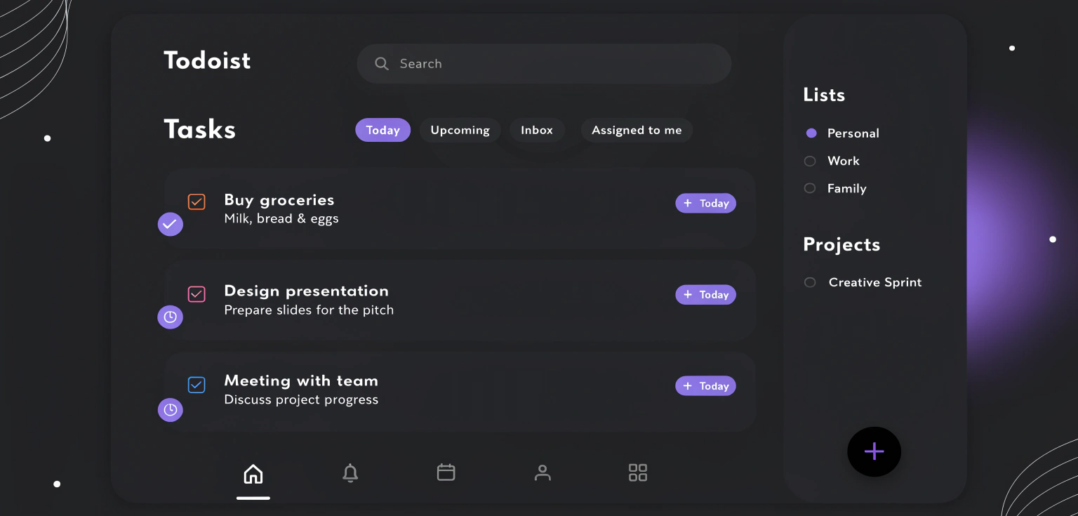
2. Todoist – Task Management Made Simple
Features: Task lists, reminders, project organization, priority levels.
Tip: Set recurring tasks for weekly assignments or study sessions.
Benefit: Keeps tasks organized and ensures nothing is forgotten.
Example:
Hassan used Todoist to plan his weekly homework, finishing tasks on time and reducing last-minute stress.
3. Forest – Focus and Avoid Distractions
Features: Gamified focus timer, discourages phone use, visualizes growth of virtual trees.
Tip: Use 25–50 minute focus sessions for deep work.
Benefit: Encourages sustained focus while providing motivation through gamification.
Mini-Case Study:
Omar increased focused study time by 40% using Forest’s timer and reward system.
4. Quizlet – Flashcards and Study Games
Features: Flashcards, quizzes, study sets, interactive games.
Tip: Use flashcards for active recall and spaced repetition.
Benefit: Enhances memorization and retention of key concepts.
Example:
Fatima memorized her biology terminology faster by creating Quizlet flashcards and using the “Learn” mode daily.
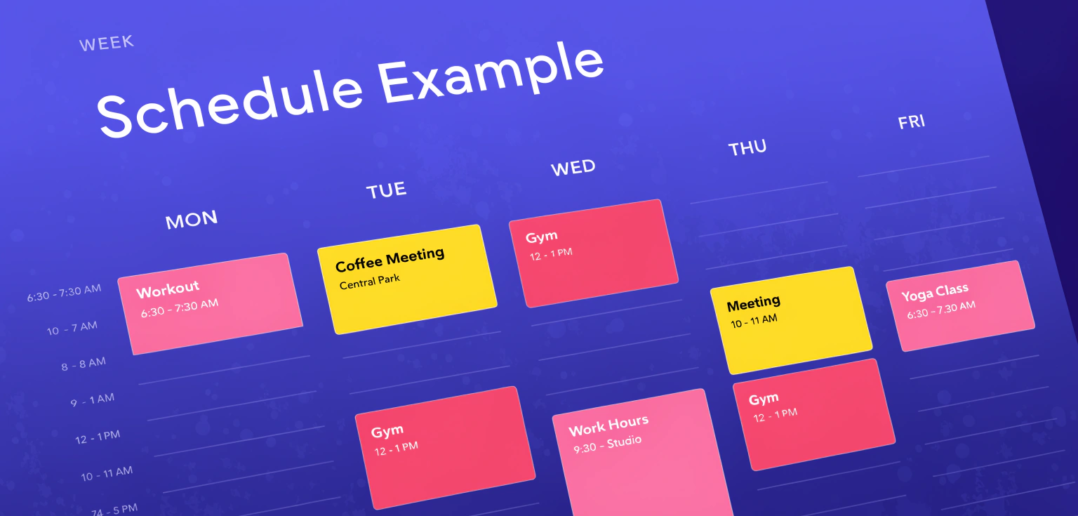
5. Google Calendar – Plan Your Schedule
Features: Event scheduling, reminders, color-coded tasks, shared calendars.
Tip: Time-block study sessions and extracurricular activities for optimal planning.
Benefit: Visualizes your week, prevents overbooking, and ensures time management.
6. Trello – Organize Projects and Collaborate
Features: Boards, lists, cards, collaboration tools.
Tip: Use Trello for group assignments and project management.
Benefit: Streamlines teamwork and keeps track of project progress.
Mini-Case Study:
Ali used Trello with his team to coordinate a group project, completing all tasks ahead of schedule.
FAQs (SEO-Optimized)
Q1: Which productivity app is best for students?
A: Notion and Todoist are versatile, suitable for note-taking and task management.
Q2: Can these apps improve focus?
A: Yes, apps like Forest and Quizlet enhance focus and retention during study sessions.
Q3: Are these apps free?
A: Most offer free versions with essential features; premium versions add advanced functionalities.
Q4: How can I manage group projects effectively?
A: Use collaboration tools like Trello or Notion to assign tasks and track progress.
Q5: Can I combine multiple apps?
A: Yes, combining task management, scheduling, and study apps can optimize productivity.
Q6: Do these apps work on mobile and desktop?
A: Yes, most apps support cross-platform usage, allowing productivity on-the-go.
Internal Links
Productivity Tips for Students
Time Management Techniques for College Students
Study Techniques to Improve Focus and Retention
External Links
Notion – Official Website
Todoist – Official Website
Forest – Official Website